
← Back to Home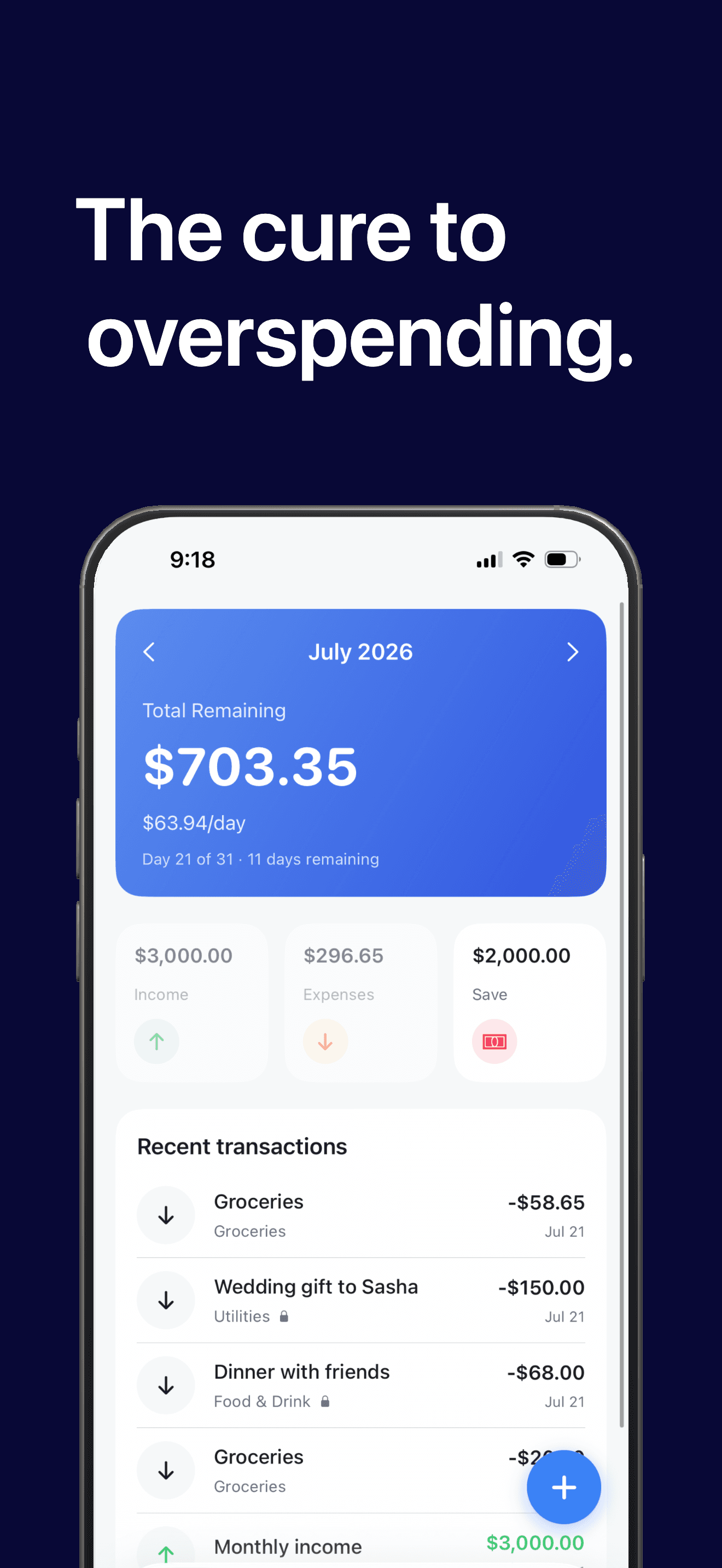
TapBudget
Budgeting fails because logging expenses is a chore. TapBudget fixes that.
Double-tap the back of your iPhone and log a transaction in seconds, without even opening the app. Enter the amount, add a note, pick a category, done. It's the fastest way to track spending on iOS.
Then open TapBudget to see the one number that matters: how much you can safely spend today.
Watch your money, effortlessly
- Total Remaining for the month, plus a safe-to-spend daily amount
- Income, expenses, and savings at a glance
- Recent transactions always a tap away
Quick entry with Back Tap
- Set it up once in iOS Accessibility, Back Tap
- Double- or triple-tap the back of your phone anywhere, anytime
- Amount, description, category, then you're back to your day
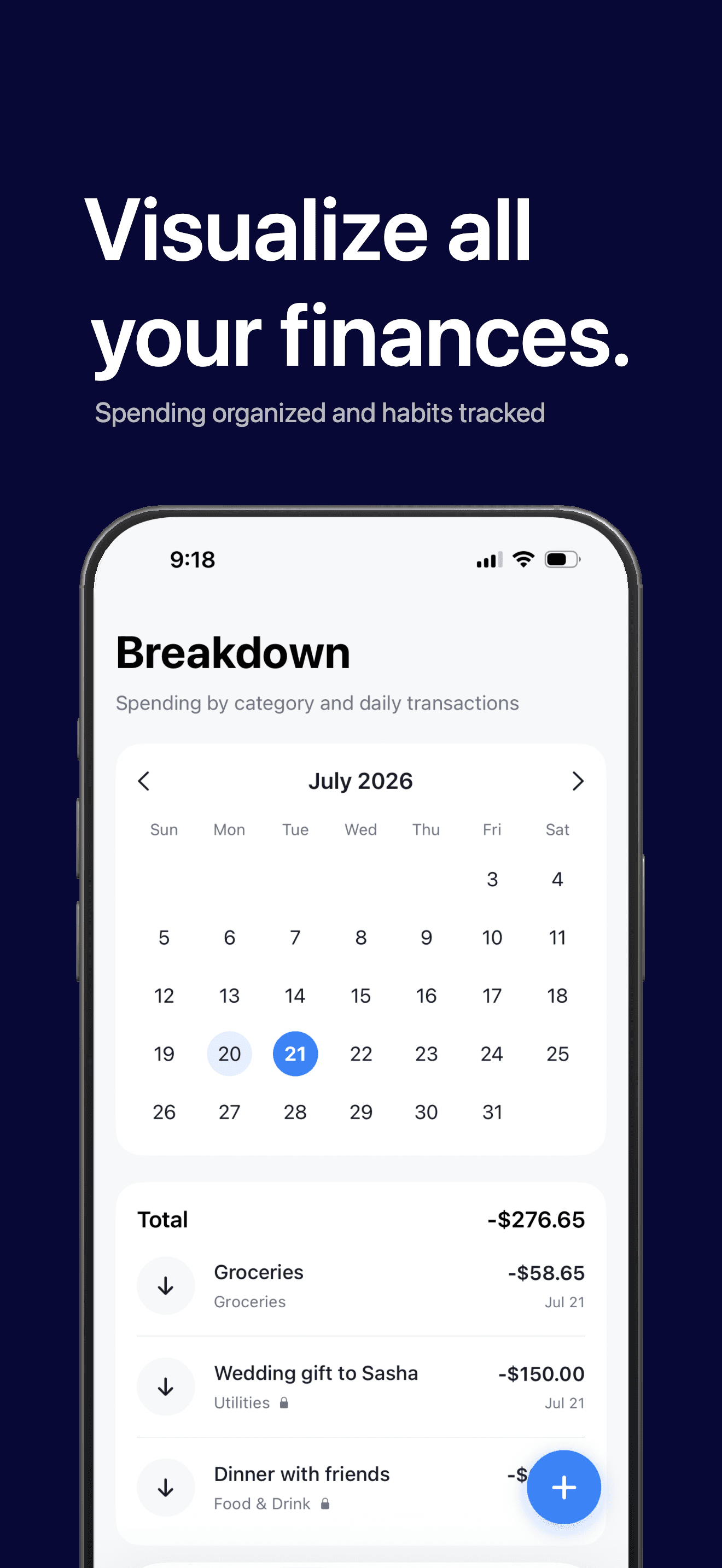
Visualize your spending
- A calendar view of every day's spending
- Break expenses down by category or type
- See fixed vs. variable costs and where your money really goes
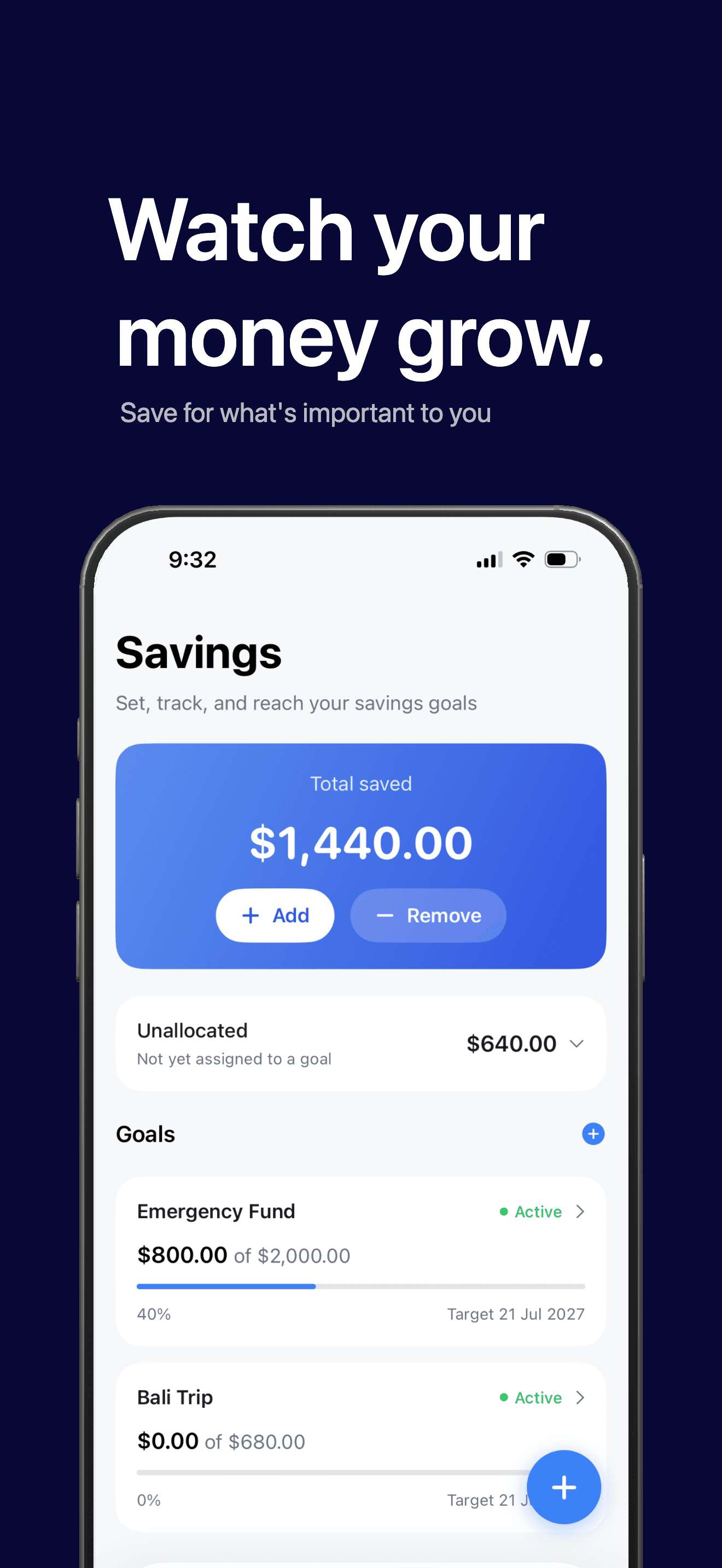
Reach your savings goals
- Create goals with a target amount and date
- TapBudget builds a savings plan and shows exactly how it's calculated
- Track progress and allocate money as you save
Private by design
- No bank logins. No account required. No ads.
- All your data stays on your device
- Manual entry keeps you mindful of every dollar